
A selected source
Keep the backups and recovery points being rehearsed clear.
Recovery rehearsals, checks and recorded outcomes
Rehearse selected backup restores in approved test locations. Review recovered content and recovery objectives, then keep clear evidence of what passed, what failed and what needs attention.

Recovery confidence from recorded work
Bring selected recovery points, checks and results into one continuing record.
Keep the backups and recovery points being rehearsed clear.
Restore into an approved test location.
Review the files, databases or supported application scope.
Keep outcomes and exceptions for the responsible person to assess.

Prepare the rehearsal
The illustration represents recovery rehearsal, not an application screenshot or your infrastructure.
Choose the source and approved test location.
Review the checks and recovery objectives.
From recovery point to recorded result
Prepare a recovery rehearsal with a defined scope and test location.
Choose recovery points from your existing backup providers.
Use an approved isolated location for the restore.
Check the selected files, archives, databases, disks or runbooks.
Keep results, recovery objectives, exceptions and cleanup records.
Your recovery verification workspace
Keep restore scope, checks, objectives and exceptions together.
Choose the backups and recovery points to rehearse from your existing providers.
Prepare an isolated location for a controlled recovery rehearsal.
Review whether selected recovered files and archives can be opened and used.
Use supported checks and application runbooks for the recovery scope you selected.
Record recovery point and recovery time outcomes alongside the selected objectives.
Retain evidence, exceptions and cleanup records for the responsible team to review.
Use VISINVOKE Cloud for schedules, notifications and shared verification history.
Carry out the recovery work on your approved computer or runner, keeping backup payloads outside VISINVOKE Cloud.
The recovery scope your business needs
Choose checks that match the selected recovery task.
Review recovered files and archive content.
Prepare the supported database or disk checks your scope needs.
Use supported runbooks to review recovered application content.
Keep RPO and RTO targets beside measured rehearsal outcomes.
Continue from the recorded result
Give the next rehearsal context from the work already recorded.
Retain verification activity and outcomes in a continuing record.
Keep failed checks and unresolved details visible.
Coordinate the next rehearsal and responsible follow-up.
Bring results and supporting evidence together for the team.

Local work, shared history
Run heavy verification on your approved runner.
Use cloud schedules, alerts and shared history.
Keep passed and failed checks for review.
Defined scope and responsible judgement
A rehearsal supplies evidence for an accountable decision.
Plan the restore in an isolated location approved for the task.
Heavy verification runs on your approved computer or runner.
Cloud services coordinate schedules, alerts and shared history without backup payloads.
Review failures, exceptions and objectives; do not treat a green job as proof of recovery.
Plans and company access
Choose the capacity and access that fit your organisation.
Backup Verification Cloud uses company access with four capacity tiers.
The approved company model includes unlimited authorised company users.
Review current company plans, prices and capacity in your VISINVOKE account before choosing access.
Other VISINVOKE products have their own access arrangements. Create a free account and choose the company plan you need.
VISINVOKE means value
A focused workspace for backup restore rehearsals and recorded recovery outcomes.

Keep selected sources and test locations clear.
Review what passed, failed or needs attention.
Continue from recorded outcomes and exceptions.
Assess the evidence for your own recovery needs.
Build your VISINVOKE workspace
Each card opens its own product website. Review purpose and access separately; related products do not promise included access or automatic synchronisation.

Open your VISINVOKE products from one desktop workspace.

Explore a separate workspace for service and project records.

Explore separate local backup preparation.

Review separate managed computer protection.

Explore separate device protection and response.
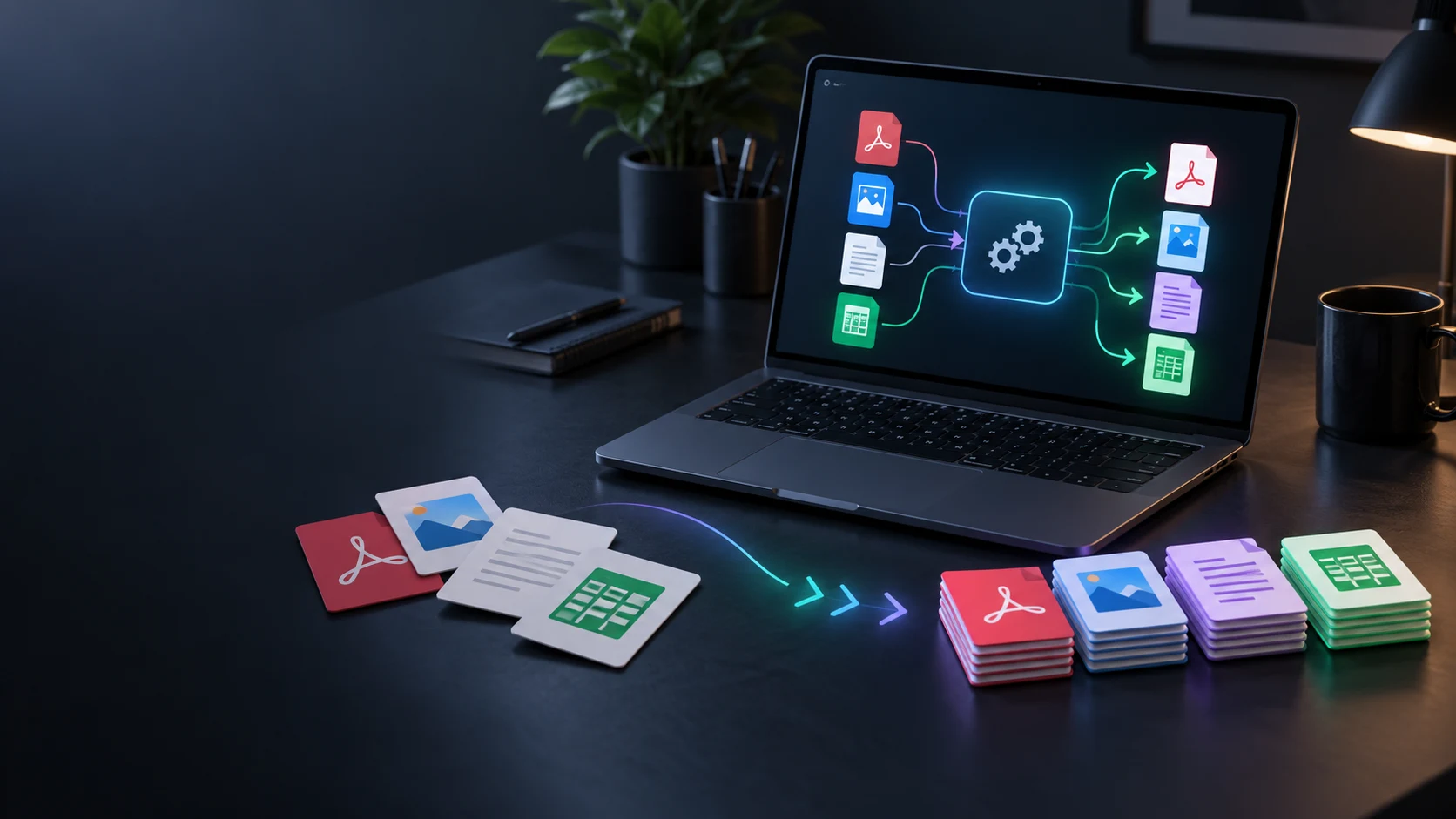
Convert files with a separate local utility.
Product artwork is illustrative, not application screenshots or your infrastructure.
Quick answers
Understand restore rehearsals, local work, cloud coordination and company access.
Coordinate recovery rehearsals for selected backup recovery points. Restore into approved test locations, review recovered content and keep evidence of passed and failed checks, exceptions and recovery objective outcomes.
Heavy restore and verification work runs on your approved computer or runner. VISINVOKE Cloud coordinates schedules, alerts and shared history; backup payloads stay outside VISINVOKE Cloud. Open the dedicated product window through Desktop Command Centre.
Prepare checks for files, archives, databases, disks and supported application runbooks. Choose a scope that matches the content you need to recover, using selected recovery points from existing providers.
Measure recovery point and recovery time outcomes alongside the selected RPO and RTO objectives. Review the rehearsal results, gaps and exceptions with the responsible team.
Review the selected source and scope, restore and content checks, passed or failed results, objective measurements, exceptions, cleanup records and reports. A completed backup job alone does not establish that the recovered content is usable; the responsible person assesses the evidence.
Backup Verification Cloud uses company access with four capacity tiers and unlimited authorised company users. Create a free VISINVOKE account and review current company plans, pricing and capacity before choosing access. Product subscriptions and other VISINVOKE products have separate access arrangements.
Continue in VISINVOKE
Create a free VISINVOKE account and review company plans.
Get Desktop Command Centre from your account installer page. Sign in on Windows and open Backup Verification Cloud.